
Setup Referral Forms

Paul
Last Update 10 months ago
To set up referral forms: Go to the Form Referrals tab.
You can enable the Referral Forms feature from the Settings > Extras section.

Here, click on Setup form.

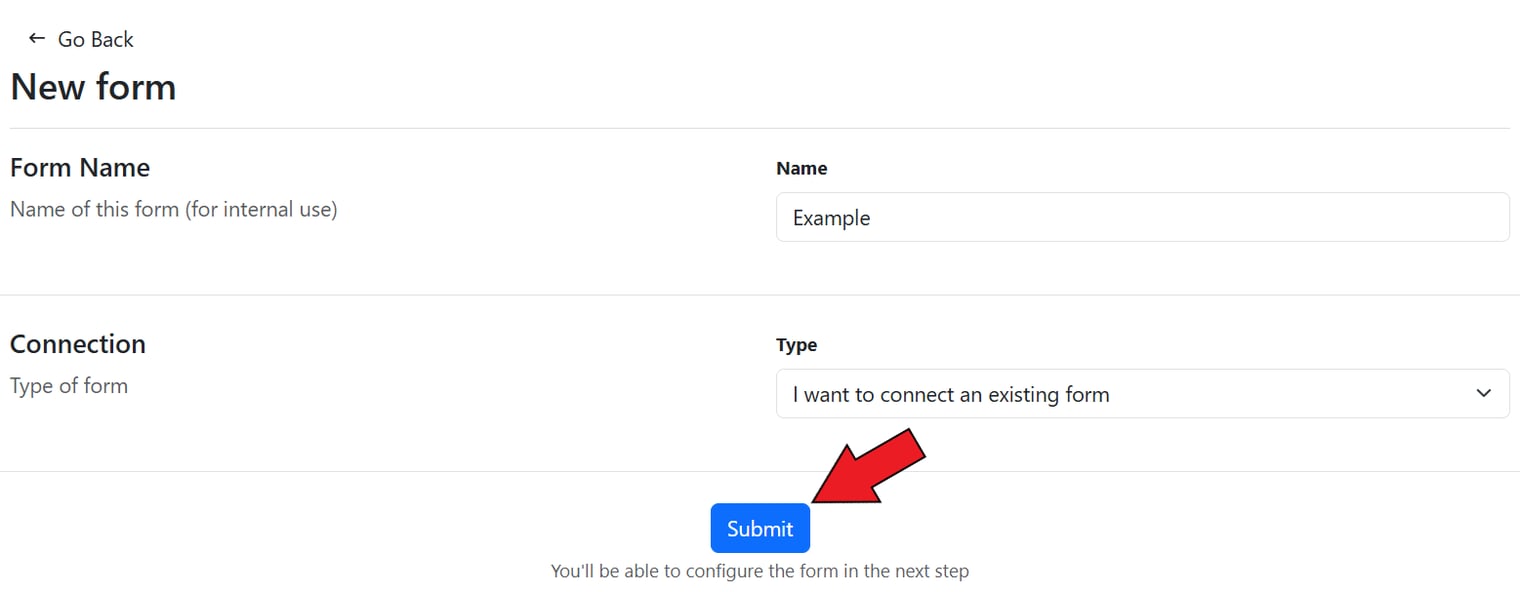
This will open up the New form section. Here, set the form name.

Now, select the form type. Here, you have the option to connect an existing form or create and embed a new form on your website.

After this, click on Submit.
It will open up the Edit form section > add the page URL.

Now, set the form selector.
You can email our team at [email protected], share the page URL of the form in your store and ask them to connect the form for you.

Next, click on Add a field.

Next, select the name of the field and set the selector.

You also have the option to set up a lead bonus.

There is also an option to enable the lead notification for affiliates.

Finally, click on Submit.

The referral form will be saved.
